
Download Firefox OS Simulator – Firefox OS, mobile OS, simulator, browser-based, web apps, developer tool, test apps, explore interface, web technology
Overview
The Firefox OS Simulator, developed by Mozilla, serves as a browser-based platform for exploring the user interface and testing applications of Firefox OS without requiring physical hardware. Designed primarily for developers, early adopters, and technology enthusiasts, the app enables users to experience the core functionality of Mozilla’s web-focused mobile operating system directly from their desktop or mobile browser. Its primary purpose is to provide an accessible, lightweight environment for interacting with a mobile OS built entirely on open web standards such as HTML5, CSS, and JavaScript.
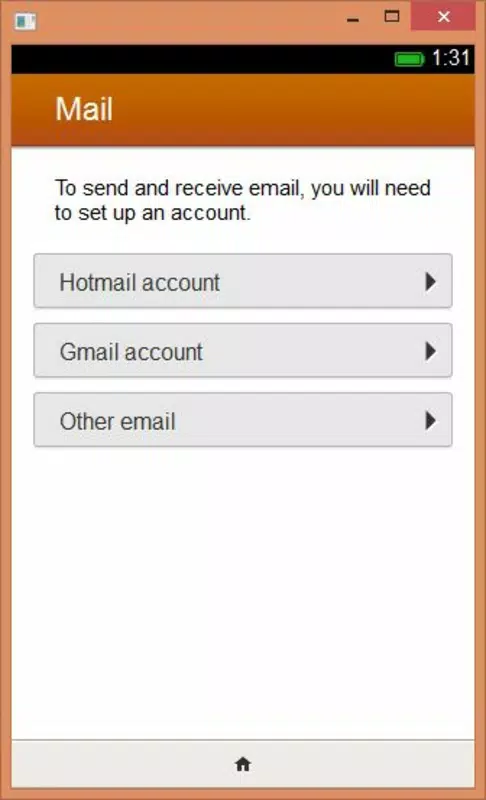
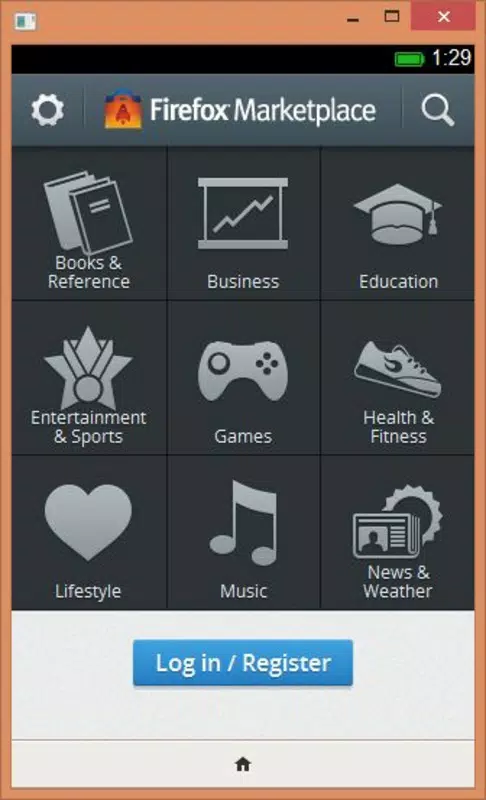
The simulator allows users to navigate through the Firefox OS interface, interact with built-in applications like Maps, Calculator, Calendar, and Notes, and explore the system’s multimedia capabilities, including image editing tools. This hands-on exposure helps users understand Mozilla’s vision for a mobile ecosystem driven by web technologies rather than native code. While the simulator does not replicate real-world device performance or hardware interactions, it offers a functional representation of the OS’s layout, navigation, and app behavior.
Target users include web developers interested in building applications for Firefox OS, educators demonstrating web-based mobile development, and curious users seeking insight into Mozilla’s alternative mobile strategy. The app plays a role in the broader ecosystem by lowering the barrier to entry for testing web-powered mobile experiences. Despite its age, the simulator remains a historically significant tool in the evolution of mobile web development.
Key Features & Functionality
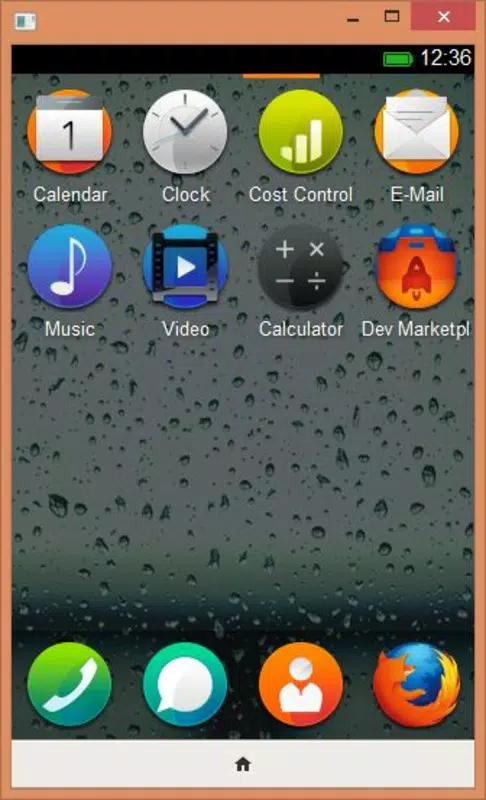
- Interactive Interface Exploration: Users can navigate the Firefox OS home screen, app drawer, and system menus to experience the layout and visual design of the operating system. This feature allows for a realistic preview of how users would interact with the OS in a real device setting.
- Built-in Application Testing: The simulator includes functional versions of essential apps such as Maps, Calculator, Calendar, and Notes. These applications operate within the simulated environment, enabling users to test workflows and understand how web apps behave in a mobile context.
- Image Editing Tools: Integrated tools allow users to modify images directly within the simulator. This functionality demonstrates the multimedia capabilities of Firefox OS and provides insight into how users might create and manage visual content on web-based mobile devices.
- Developer-Focused Environment: The simulator supports testing of web applications built with HTML5, CSS, and JavaScript. Developers can deploy and debug their apps in a simulated Firefox OS environment, preparing them for deployment on actual Firefox OS devices.
- Browser-Based Accessibility: Since the simulator runs in a web browser, no installation is required on the host system. This feature enhances accessibility and allows users across different platforms to engage with the OS without compatibility concerns.
Each feature serves a practical purpose: developers can validate app behavior, educators can demonstrate mobile web concepts, and users can explore a mobile OS that prioritizes open standards. The simulator’s functionality, though limited to simulation, provides a valuable foundation for understanding the principles behind web-first mobile operating systems.
Interface, UX & Performance
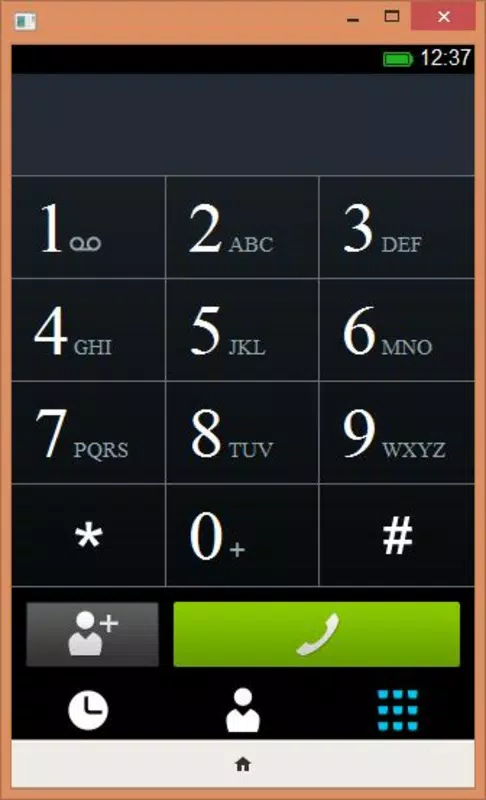
The Firefox OS Simulator features a clean, minimalist interface that mirrors the design language of the original Firefox OS. Navigation is intuitive, relying on touch gestures and mouse interactions to simulate device inputs. Users can access the home screen, open apps, and switch between tasks using a layout that closely reflects the intended user experience on physical devices.
Visual elements are rendered in a way that emphasizes clarity and responsiveness. The UI maintains a consistent style across all built-in applications, contributing to a cohesive user experience. However, the developer did not list formal performance metrics, and no specific information was provided regarding responsiveness on different device categories.
Although the developer did not list formal performance metrics, the simulator operates smoothly within modern web browsers, suggesting optimized code execution. Stability appears to be consistent for basic interactions, though complex app behavior may vary depending on the host browser’s capabilities. The lack of real hardware feedback means that performance is simulated rather than actual, but users can still assess the fluidity and layout consistency of the interface.
Platform Compatibility & Technical Requirements
The Firefox OS Simulator is available for Android devices and operates within a browser environment. The app has a file size of 4.7 MB and is currently at version 1.0. It is offered as a free tool with no cost to users.
The developer did not specify minimum OS requirements or device compatibility details beyond the Android platform. As a browser-based application, it relies on the host device’s web browser to function, meaning compatibility may depend on the browser’s support for HTML5, CSS3, and JavaScript. No additional permissions or system access were listed.
Users should ensure their Android device runs a modern browser with full web standards support to achieve optimal functionality. The absence of specific technical requirements means users may need to test compatibility through trial use.
Pros and Cons
Pros
- Free to download and use, making it accessible to a broad audience.
- Browser-based design eliminates the need for installation or complex setup.
- Provides a realistic preview of Firefox OS interface and app behavior.
- Supports testing of web-based applications for developers.
- Lightweight at only 4.7 MB, suitable for low-storage devices.
Cons
- Does not simulate real hardware performance or device-specific features.
- Limited functionality compared to a full mobile operating system.
- Version 1.0 suggests it may not receive ongoing updates or improvements.
- Compatibility depends on browser support, which may vary across devices.
- Developer did not provide detailed system requirements or performance benchmarks.
FAQ
Is the Firefox OS Simulator available for iOS devices?
The simulator is designed for Android, and no information was provided about iOS compatibility.
Can I install this app directly from the Google Play Store?
The developer did not specify distribution channels. The app is browser-based and likely accessed via a web URL.
Does the simulator require internet access to function?
Since it runs in a browser and relies on web technologies, internet access may be required for initial loading and updates.
Is the Firefox OS Simulator safe to use?
As a browser-based tool developed by Mozilla, it is considered secure for general use. No permissions beyond standard web access were listed.
Can I use this tool to develop apps for Firefox OS?
Yes, the simulator is designed to support developers in testing and debugging web applications intended for Firefox OS.
Final Thoughts
The Firefox OS Simulator remains a noteworthy tool in the history of mobile web development. Though released in 2013 and no longer actively updated, it continues to serve as an educational and experimental platform for understanding how a mobile OS built entirely on web standards could function. Its lightweight design, browser-based access, and developer-friendly features make it a valuable resource for those exploring the potential of web technologies in mobile environments.
While it lacks the depth of a full operating system, the simulator effectively demonstrates Mozilla’s vision for an open, accessible, and web-driven mobile future. It is especially beneficial for developers, educators, and tech enthusiasts interested in the evolution of mobile platforms.
For anyone seeking to explore the roots of web-first mobile operating systems, the Firefox OS Simulator offers a unique, hands-on experience. Download Firefox OS Simulator now.


